Chris Vizes Data visualisation and more
Exploring LWCs
Okay so I am following Create a Hello World Lightning Web Component .
I’ve created a new project using >SFDX: Create Project and then authenticated using >SFDX: Authorize an Org (I think it auth’d me into my SDO rather than the playground but oh well). From here I created a lightning web component with >SFDX: Create Lightning Web Component.
This generated these files:
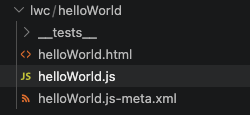
The HTML is just:
<template>

</template>
which I will now replace with:
<template>
  <lightning-card title="HelloWorld" icon-name="custom:custom14">
    <div class="slds-m-around_medium">
      <p>Hello, {greeting}!</p>
      <lightning-input label="Name" value={greeting} onchange={changeHandler}></lightning-input>
    </div>
  </lightning-card>
</template>
In the javascript, we started with:
import { LightningElement } from 'lwc';

export default class HelloWorld extends LightningElement {}
and I will replace that with:
import { LightningElement } from 'lwc';
export default class HelloWorld extends LightningElement {
        greeting = 'World';
        changeHandler(event) {
        this.greeting = event.target.value;
        }
}
In the js-meta.xml file, we started with:
<?xml version="1.0" encoding="UTF-8"?>
<LightningComponentBundle xmlns="http://soap.sforce.com/2006/04/metadata">
    <apiVersion>66.0</apiVersion>
    <isExposed>false</isExposed>
</LightningComponentBundle>
which I will replace with:
<?xml version="1.0" encoding="UTF-8"?>
<LightningComponentBundle xmlns="http://soap.sforce.com/2006/04/metadata" fqn="helloWorld">
    <apiVersion>63.0</apiVersion>
    <isExposed>true</isExposed>
    <targets>
    <target>lightning__AppPage</target>
    <target>lightning__RecordPage</target>
    <target>lightning__HomePage</target>
    </targets>
</LightningComponentBundle>
Deploying
Now that we have the LWC files created, we can deploy to an org by right clicking on the files and then selecting SFDX: Deploy This Source to Org.
Add Component to App in Lightning Experience
So now to add this new component to a page in a SF org, we need to navigate to a page and then Edit a page under setup to find out new component on the left.
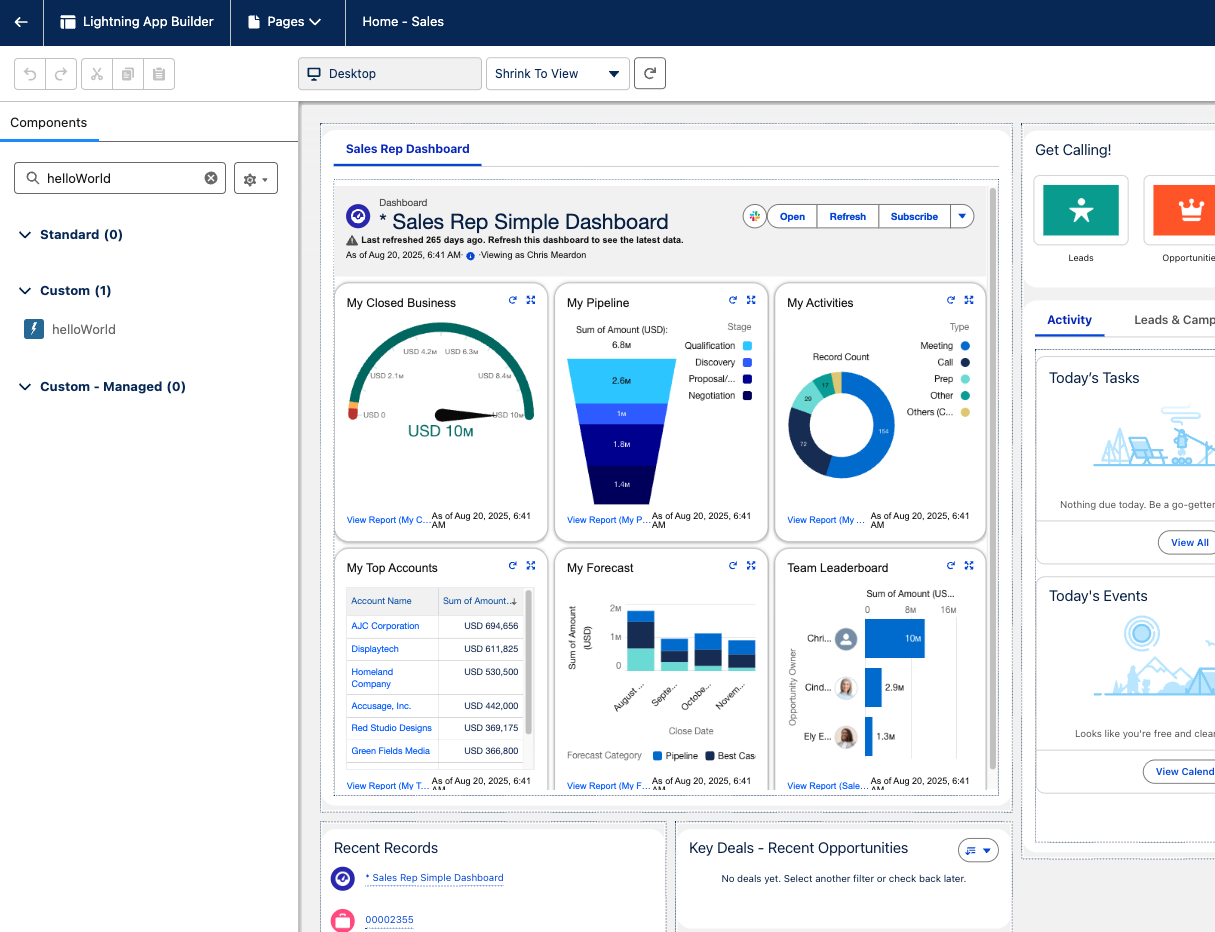
That’s it, simple.
More examples
This looks like it could be useful: